Favourites
Learn how students can build a personal list of favourite videos, careers, and guides.
Contents
Adding favourites
Favourites are a student's shortlist – the videos, careers, and guides they want to come back to when they're choosing options or thinking about next steps. They also give students something concrete for one-to-one career sessions or conversations at home.
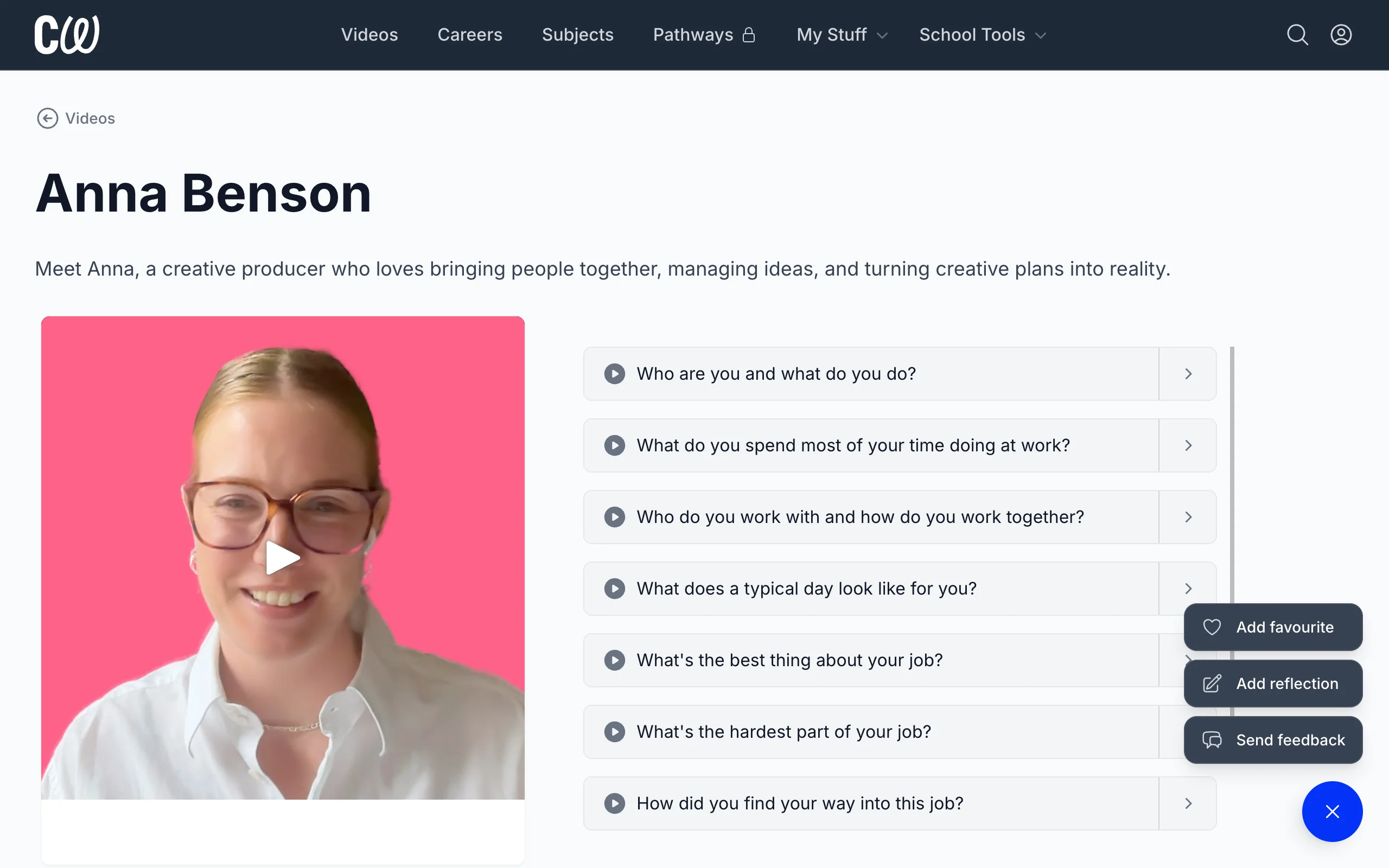
To add a favourite, students click + at the bottom of a video, career, or guide page and select Add to favourites.
Viewing favourites
The Favourites page shows a student all the videos, careers, and guides they've added as a favourite.
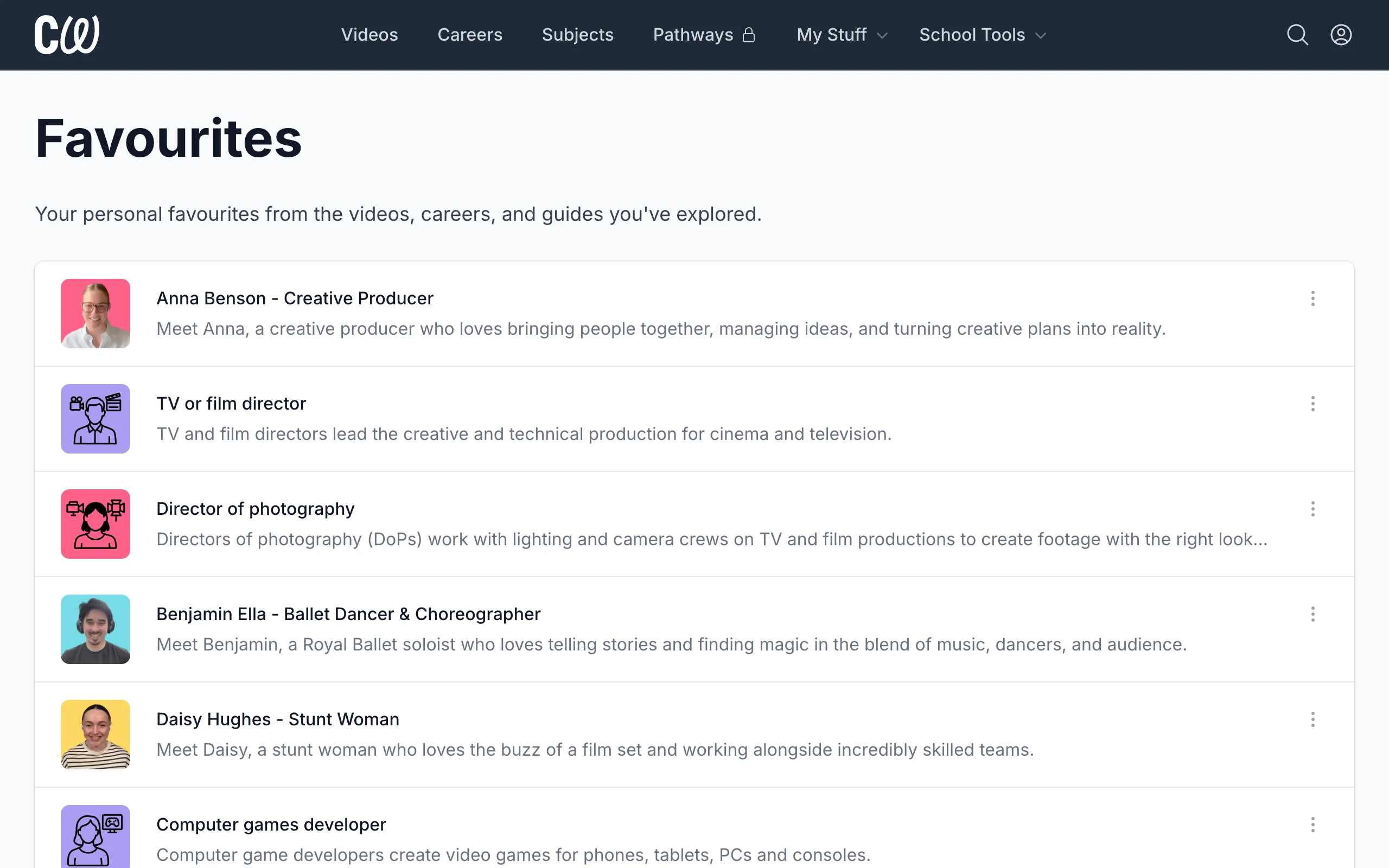
To remove a favourite, students click ⋮ next to the favourite and select Remove.
Things to know
- Student favourites can be seen by staff at their school, but not by other students.
- Adding a favourite counts as student activity, so it appears in the Engagement report and in Gatsby reports.