Activities
Learn how to add group activities for engagement metrics and Compass+ reports.
Contents
Adding group activities
The Activities page allows you to add group activities for multiple students.
Group activities are included in Students activities, Engagement metrics, and Gatsby reports used for Compass+.
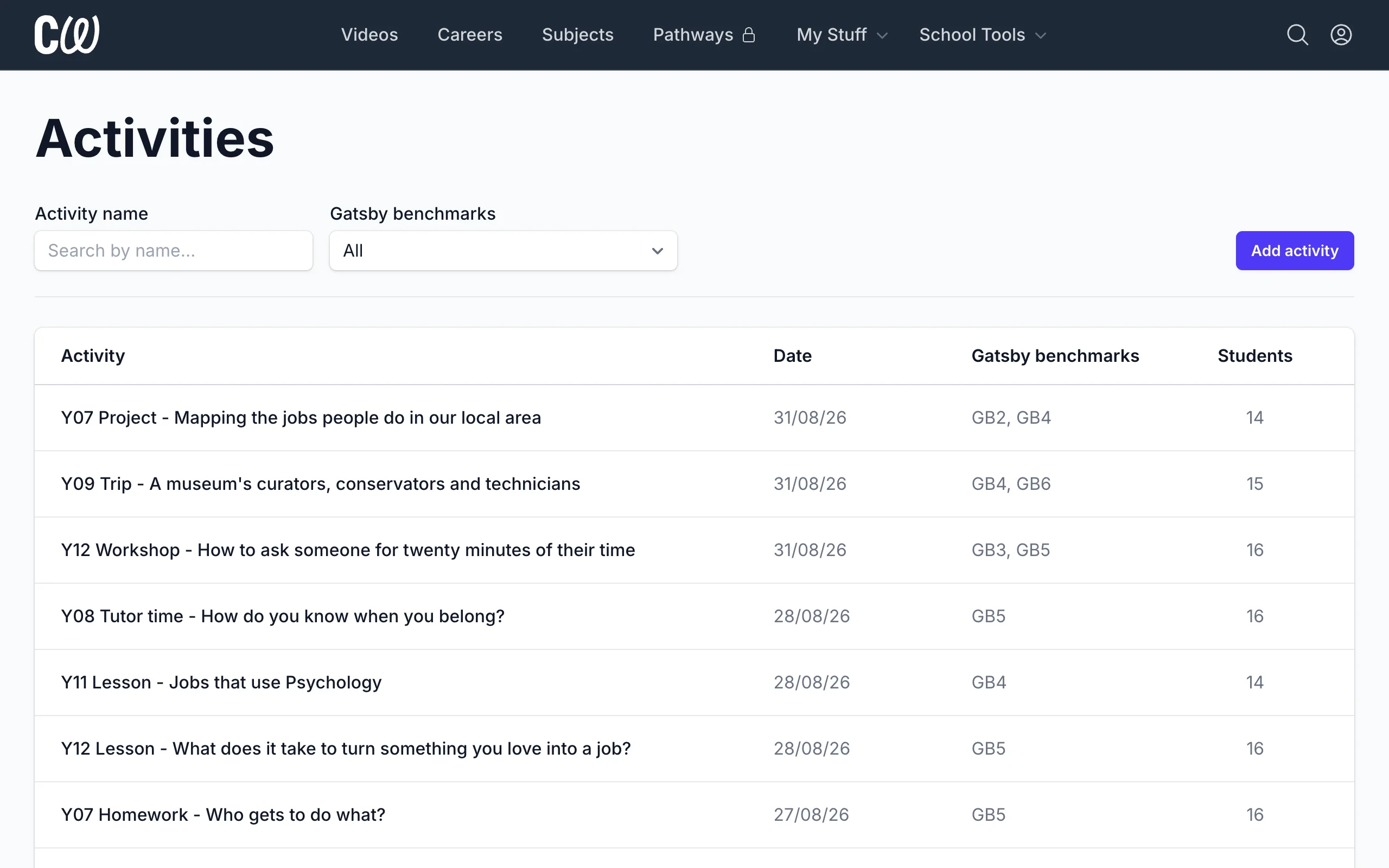
Click Add activity to add a new group activity.
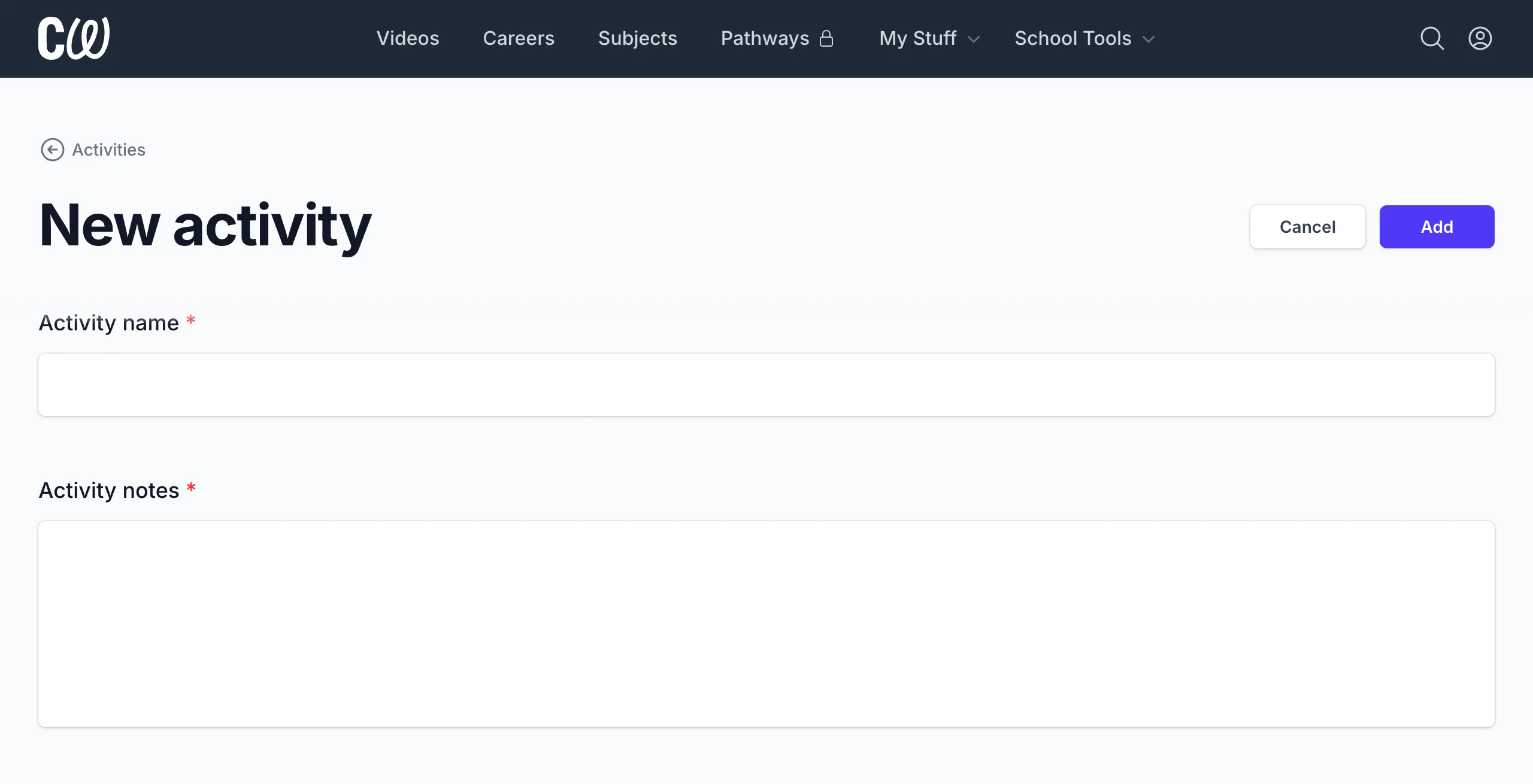
Activity name and notes
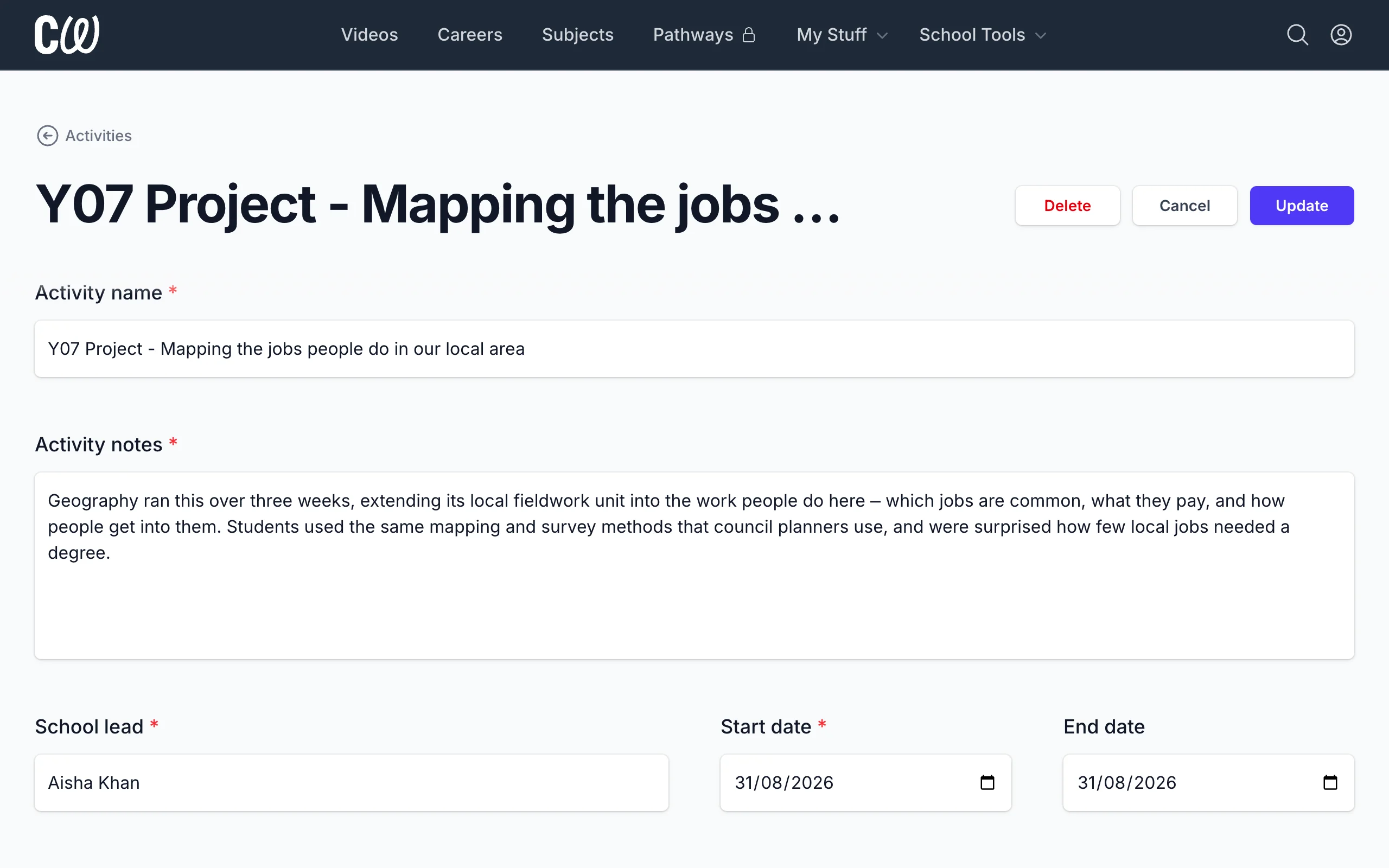
- Enter the Activity name and Activity notes for your activity.
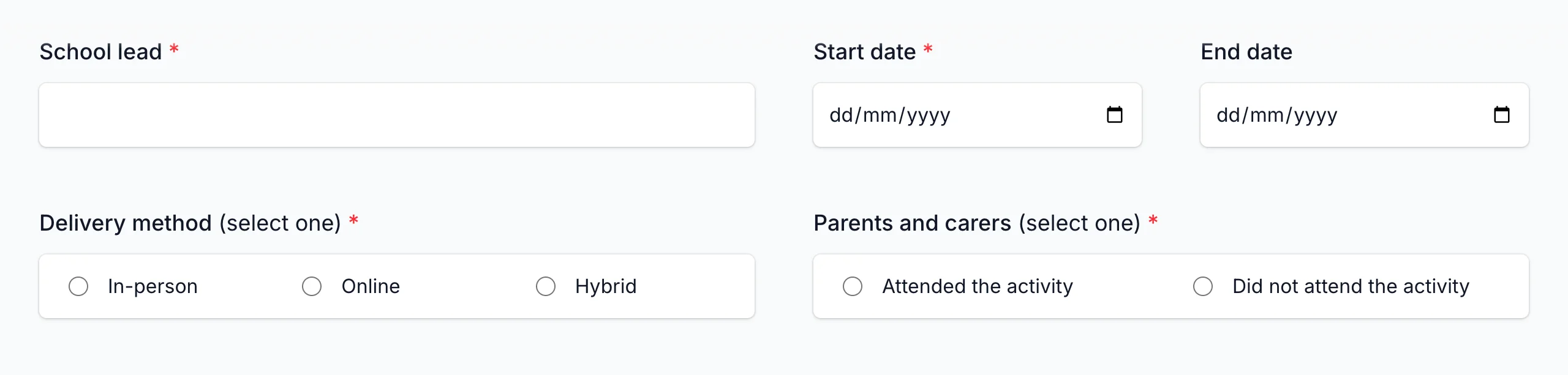
Additional details
-
Enter the School lead, Start date, and End date of the activity.
-
Select the Delivery method and whether Parents and carers attended the activity.
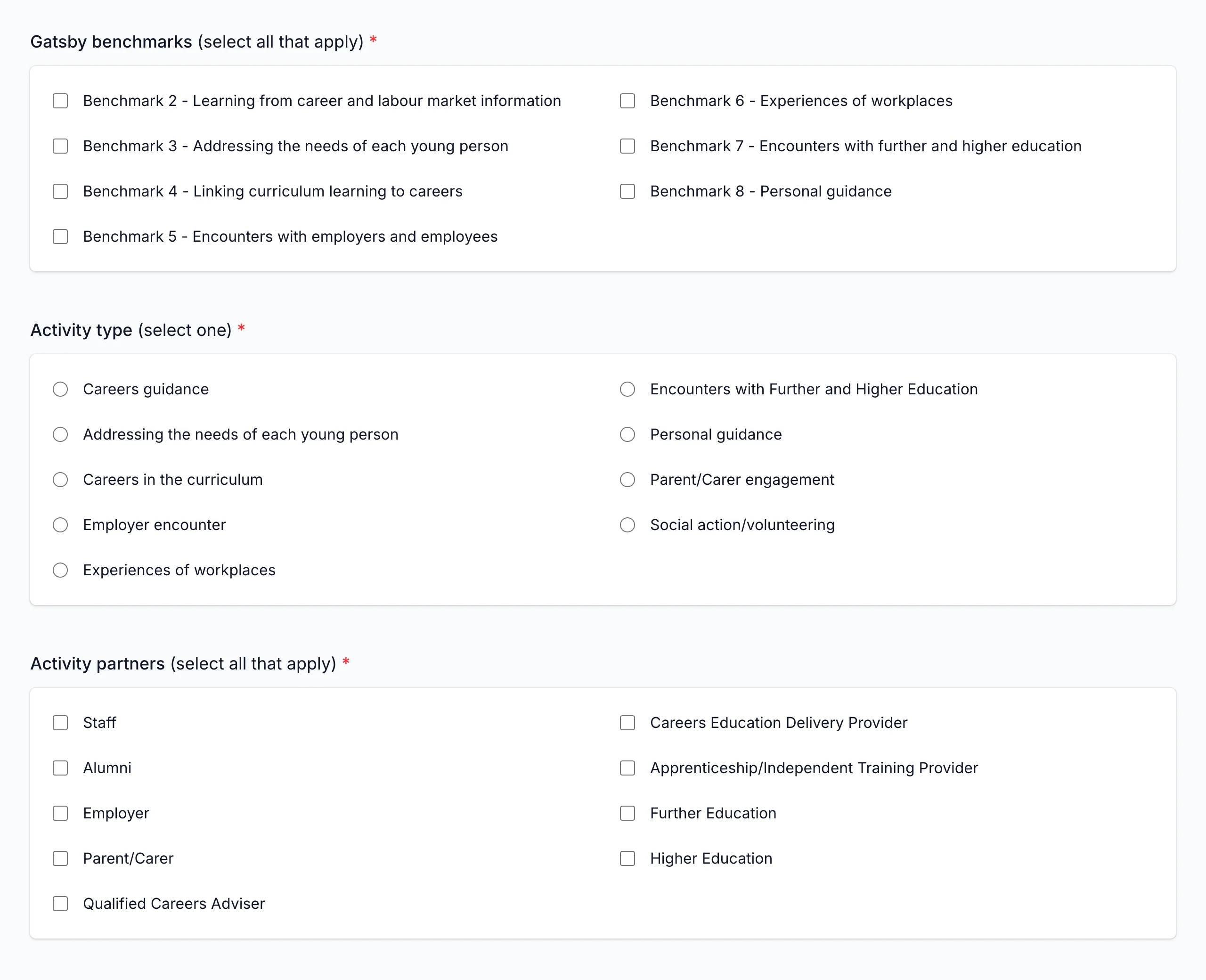
Gatsby benchmarks, activity type, and activity partners
-
Select the Gatsby benchmarks, Activity type, and Activity partners for your activity.
-
See the Compass+ Help Centre for more information about Gatsby benchmarks, activity types, and activity partners.
Meaningfulness of employer encounters, workplace experiences, and education encounters
-
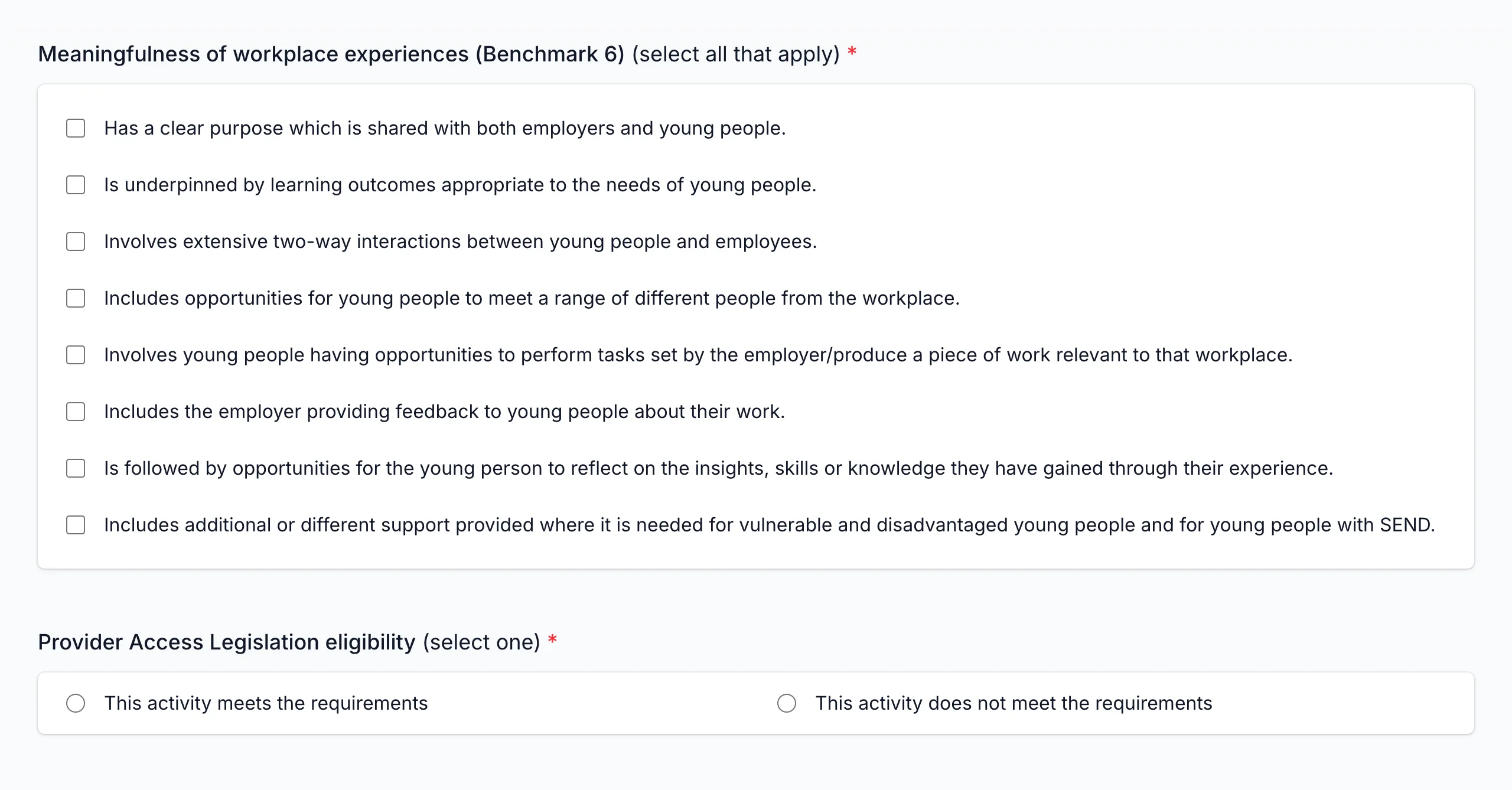
If you selected Gatsby benchmarks 5, 6, or 7, you will need to provide details about the meaningfulness of the activity.
-
See the Compass+ Help Centre for more information about meaningfulness questions.
Students
-
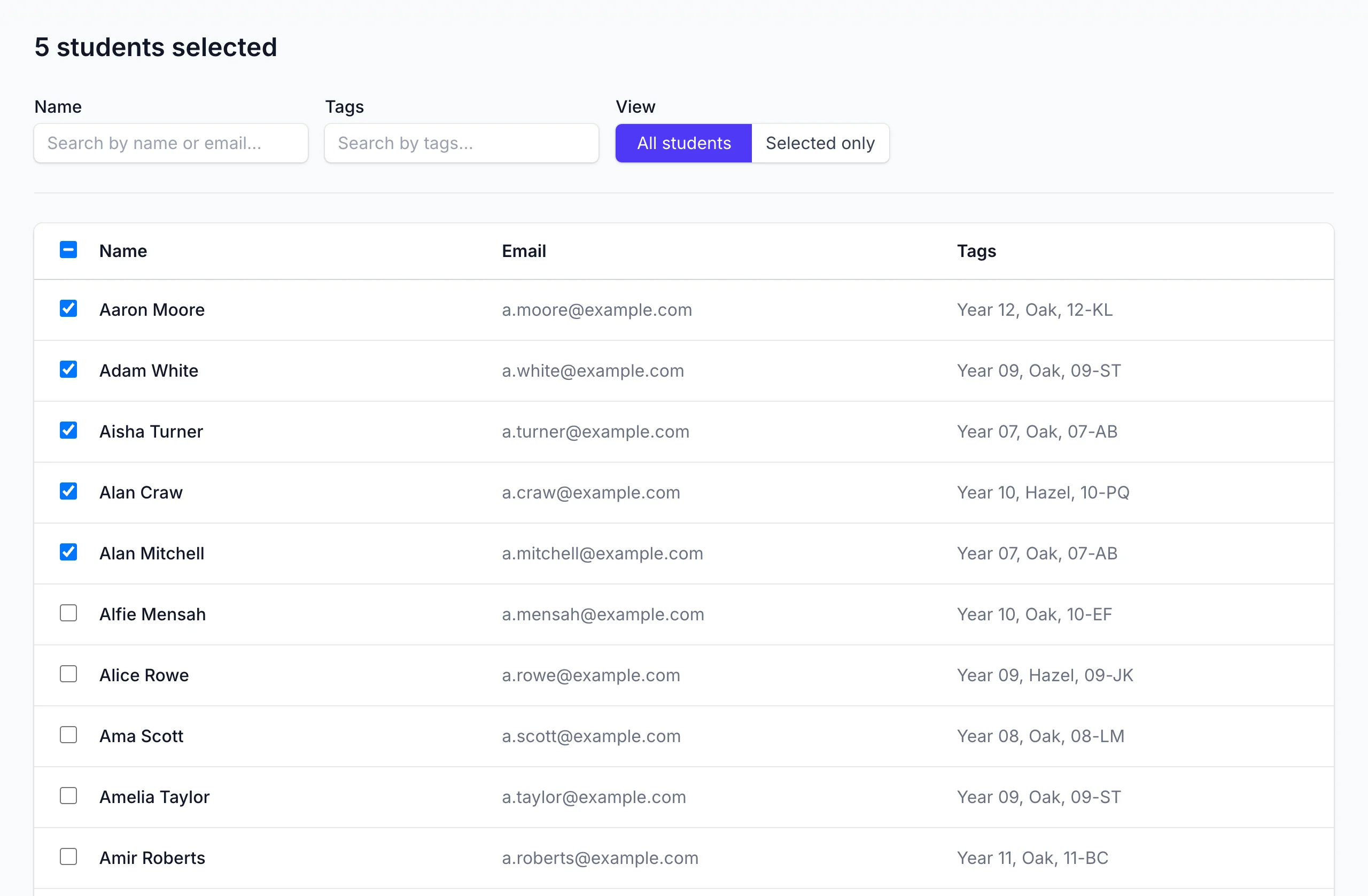
Select all Students that participated in the group activity.
-
You can filter and select students by name, email, and tags (year, registration, house, etc).
Editing group activities
The Activities page shows all group activities for your school.
You can filter group activities by:
- Activity name
- Gatsby benchmarks
Click on an activity to edit or delete it.
Things to know
- Fields for group activities are aligned with Compass+ activities. See the Compass+ Help Centre for more information.