Signing in and signing out
Learn how to sign in to your account and how to sign out when you're finished.
Contents
Signing in
Signing in to your account gives you access to personal features such as Suggestions, Favourites, Reflections, and more.
Students must sign in to their account if you want their activity to be recorded for Engagement metrics or Gatsby reports.
Staff must sign in to their account if they want to access Activities, Students, Staff, and other school tools.
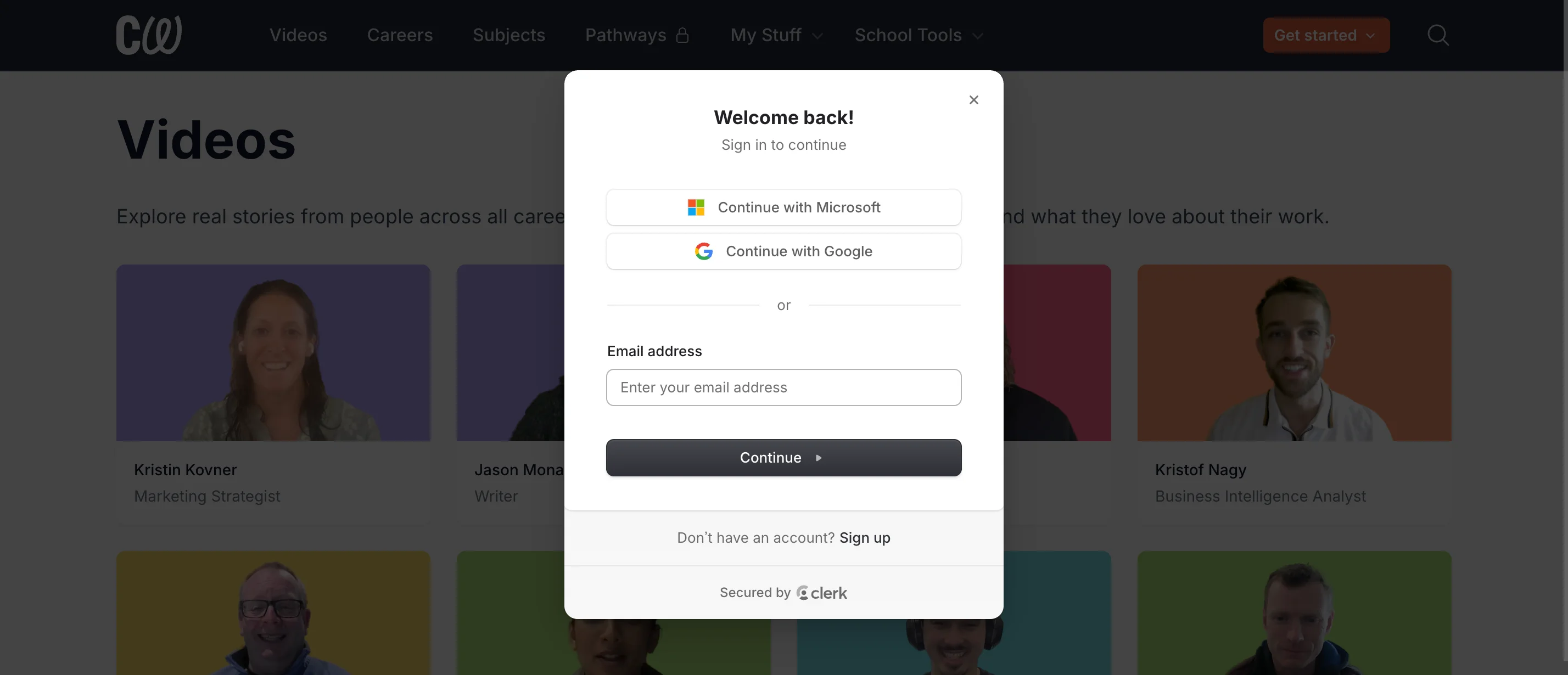
To sign in, click the Get started button in the header menu and select Sign in.

Enter your school email address and select Continue.
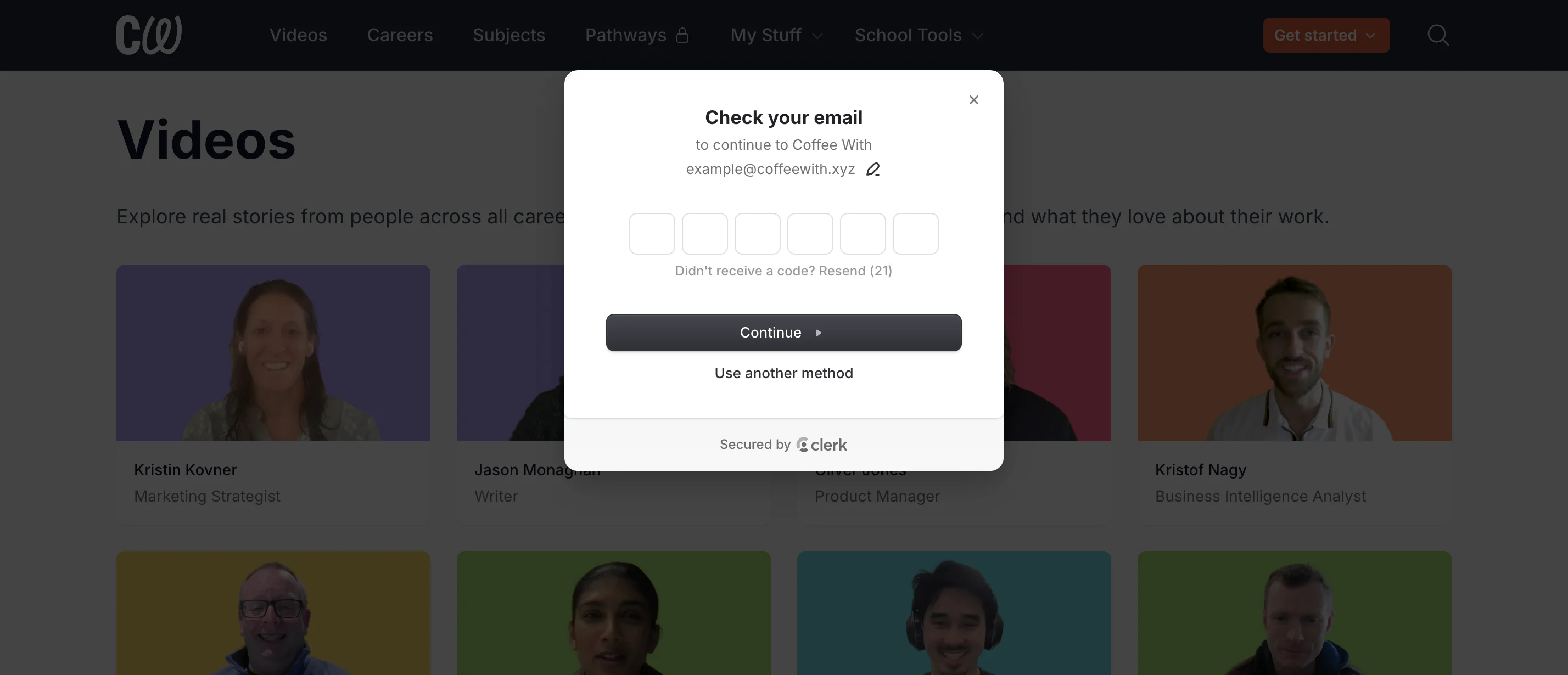
Check your email for a one-time code and enter it when prompted.
If your IT department has enabled Google or Microsoft SSO, you can also use the Continue with Google or Continue with Microsoft buttons to sign in.
Signing out
Students must sign out of their account if they are using shared devices. This ensures that Engagement metrics and Gatsby reports are correct. It also prevents students from accessing or modifying data belonging to other students.
To sign out, click the button with your name in the header menu and select Sign out.
